
 Français
 Nederlands
 Deutsch

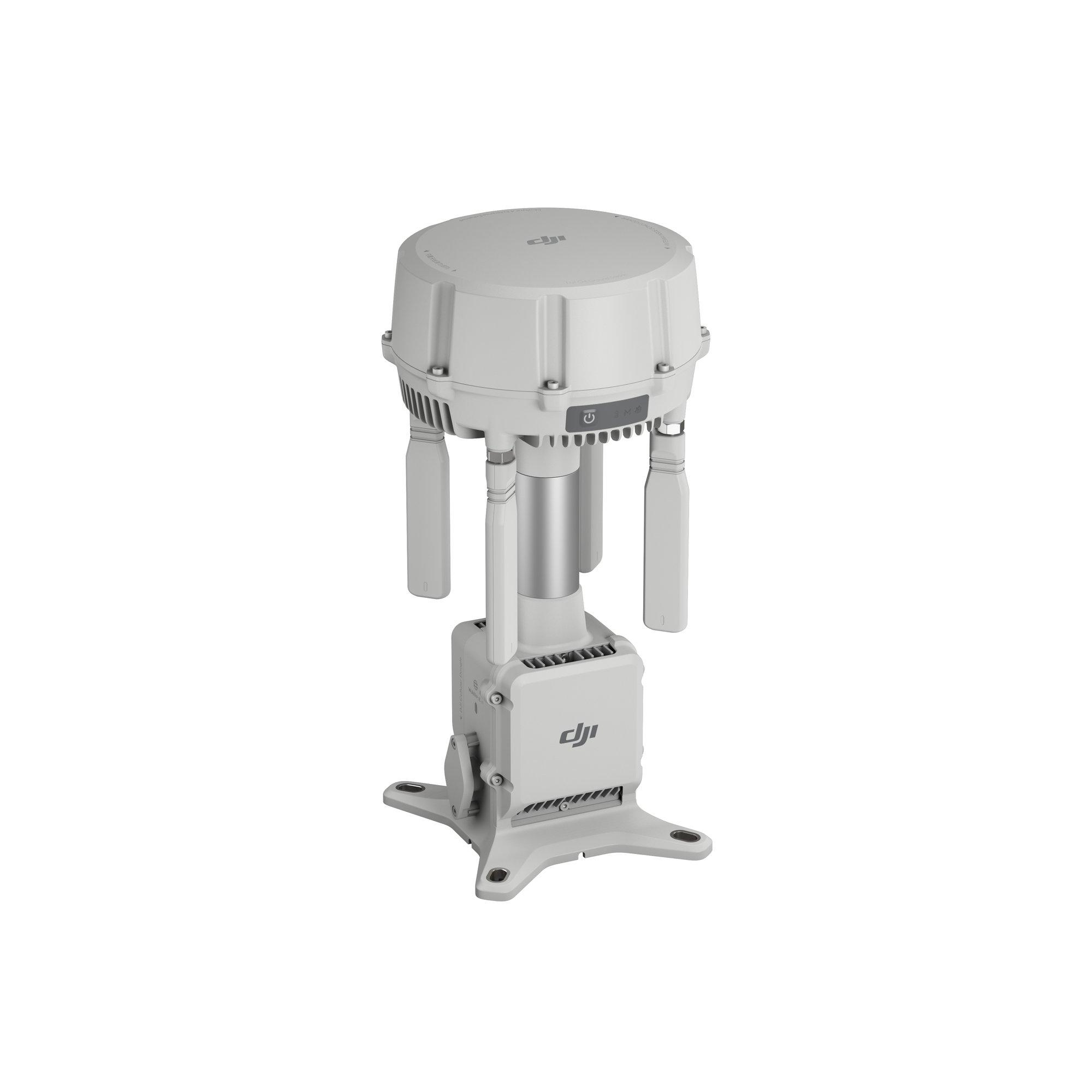
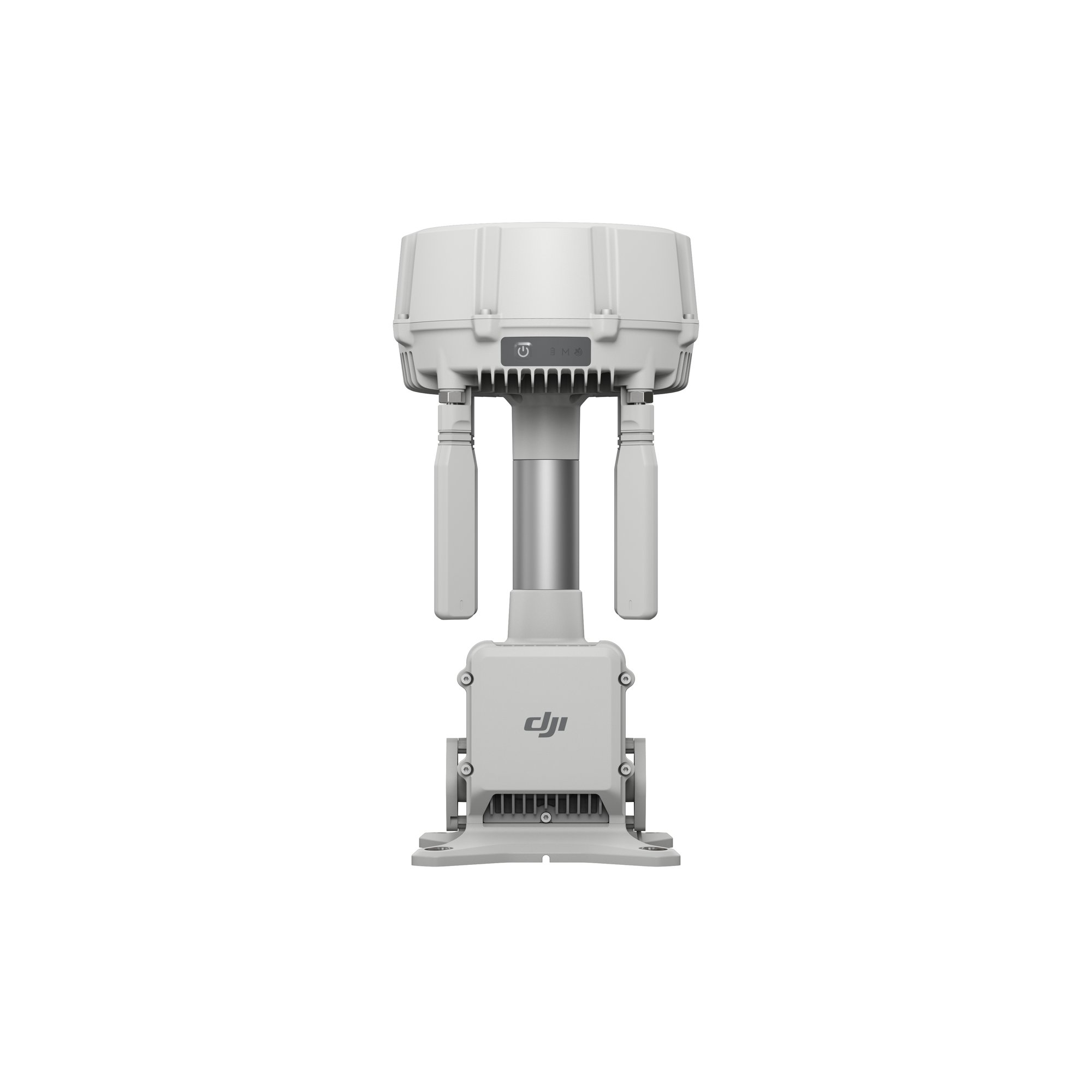
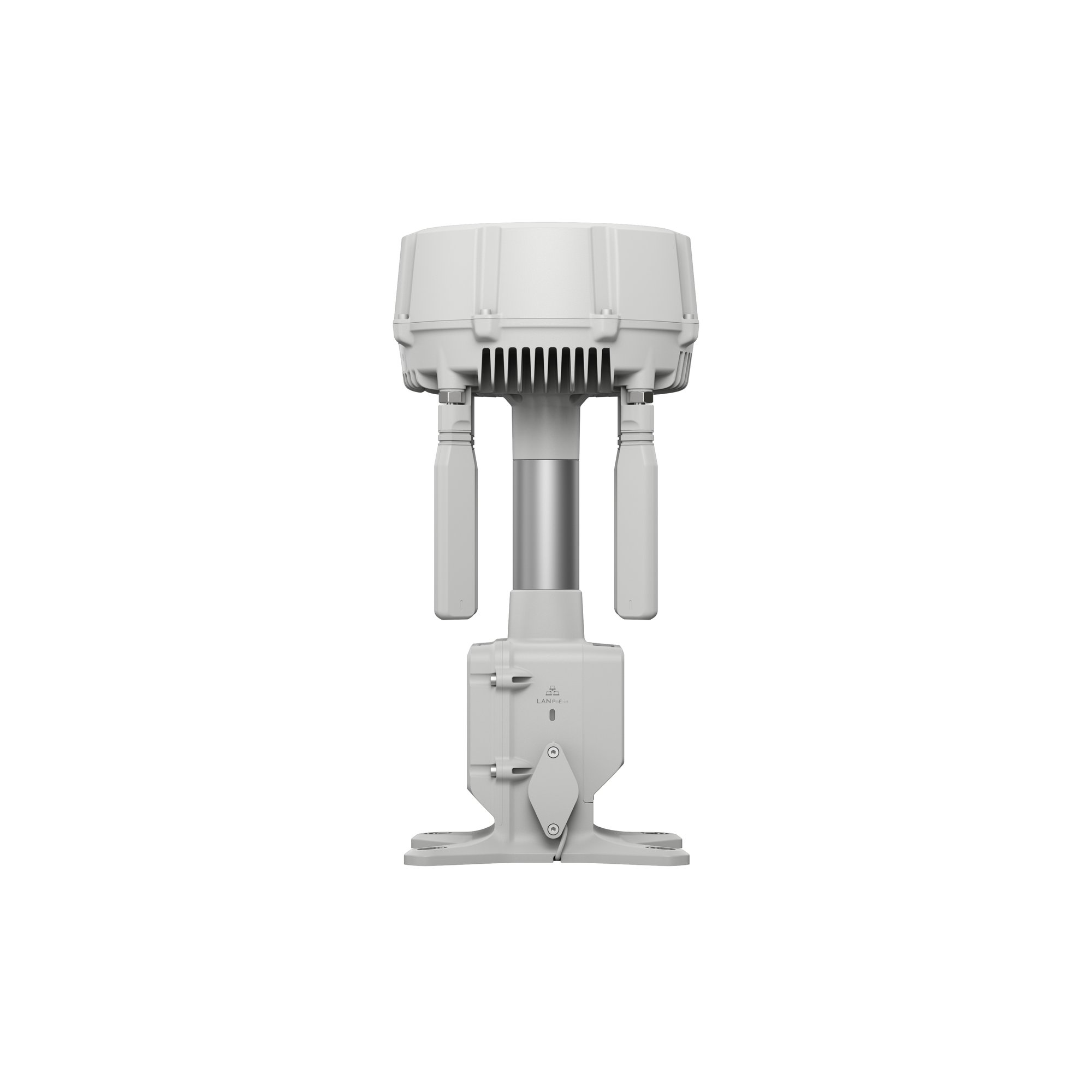
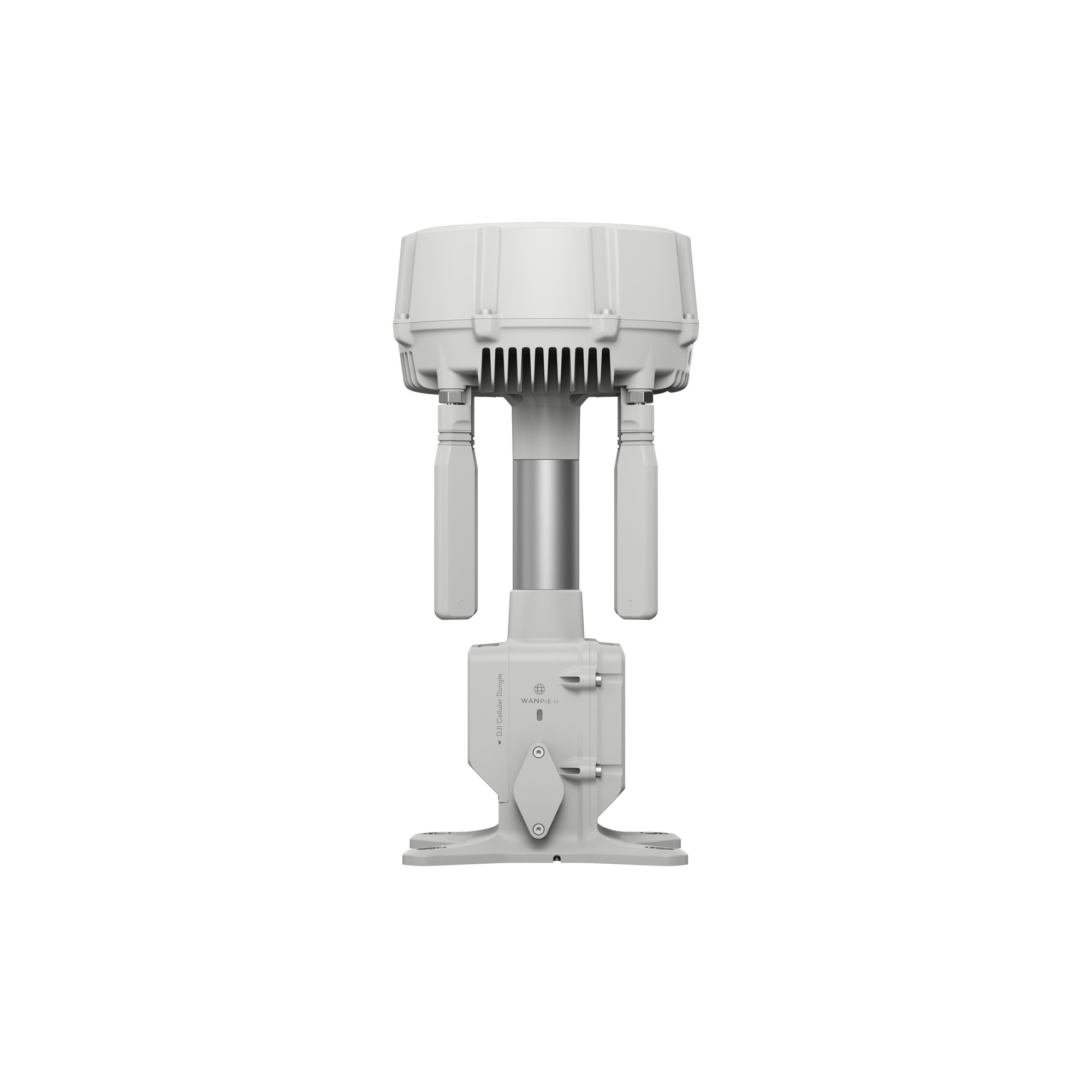
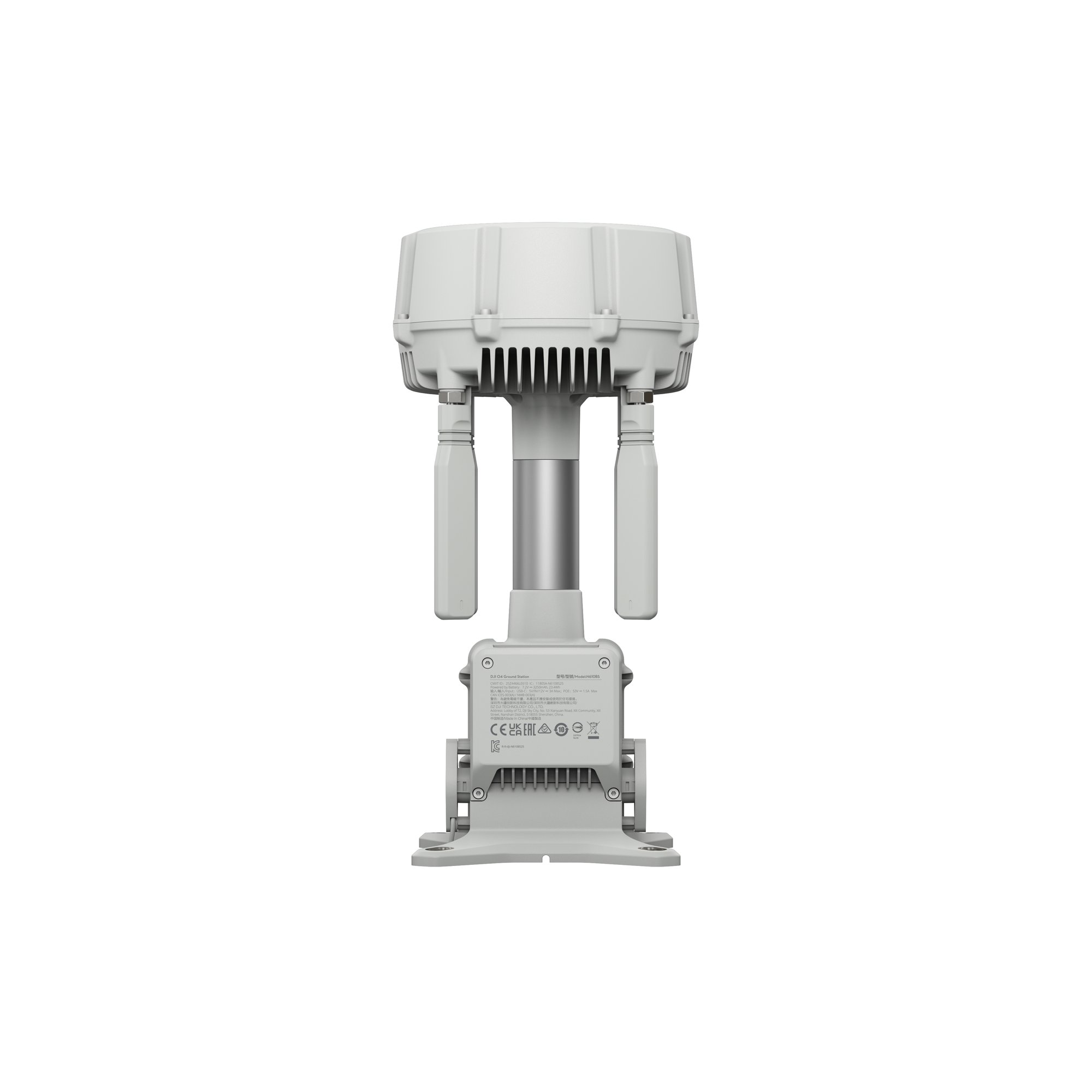
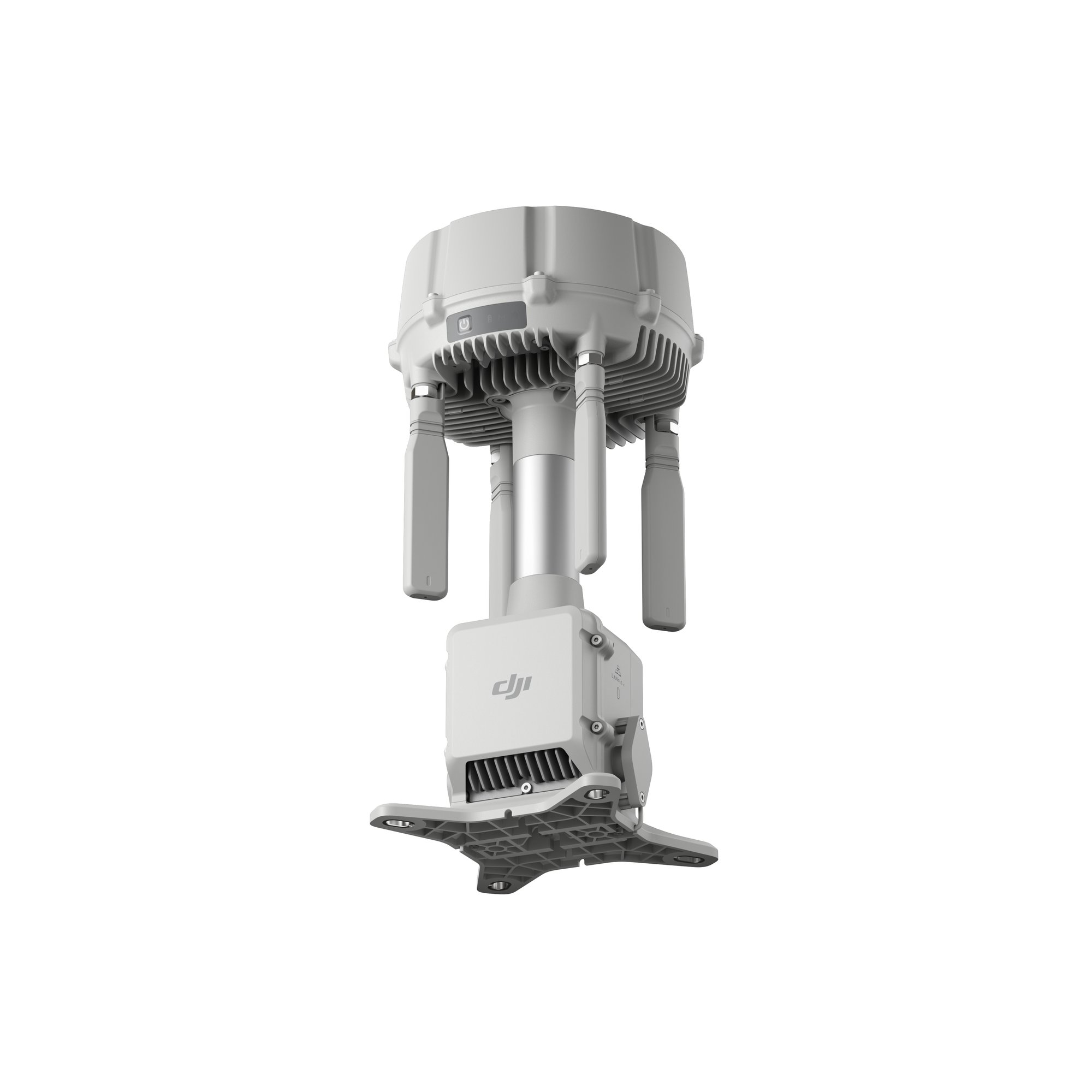
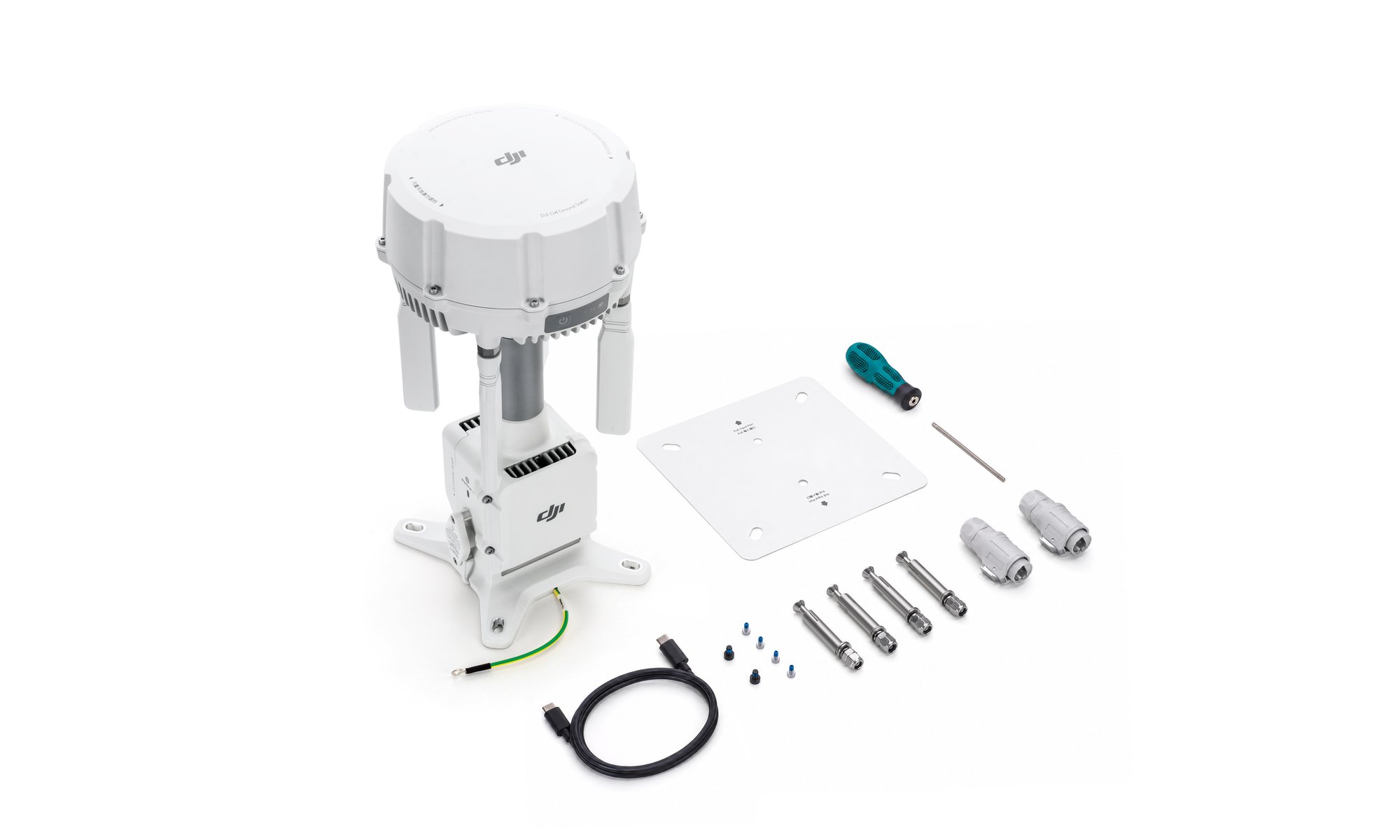
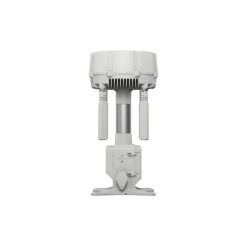
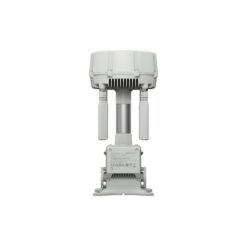
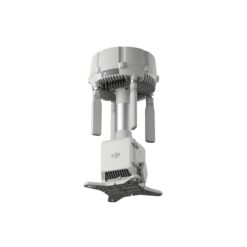
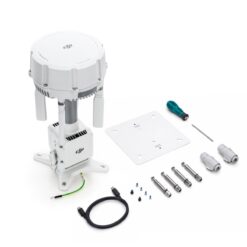
DJI O4 Ground Station
€ 2.239,00

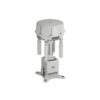
The DJI O4 Ground Station is the next-generation ground station for DJI Enterprise drones. It extends signal coverage up to 25 km (CE) thanks to its high-performance RF unit and 12 omnidirectional antenna array. With its two modes, Gateway (direct connection to FlightHub 2) and Relay (D-RTK 3 compatible), it ensures reliable long-distance flights, even in harsh environments. IP67 certified and operational from -40°C to 55°C.
Available within 48 to 72 working hours, shipped from Nivelles.
In stock
The DJI O4 Ground Station removes the main obstacle to automated drone operations: signal coverage. In a mission flown from a DJI Dock 3 and DJI FlightHub 2, the aircraft is no longer what limits the flight; the range and stability of the video link are. Obstacles, terrain and distance create blind spots that interrupt the feed and shrink the operating radius. Deployed as a relay or as a cloud gateway, the O4 Ground Station extends that coverage: your drones fly further, in more places, with a reliable link. An example documented by DJI: in a dense urban environment, a dock on its own reached 4.2 km; with an O4 Ground Station mounted high up, the range was extended to more than 11 km while keeping a full signal.
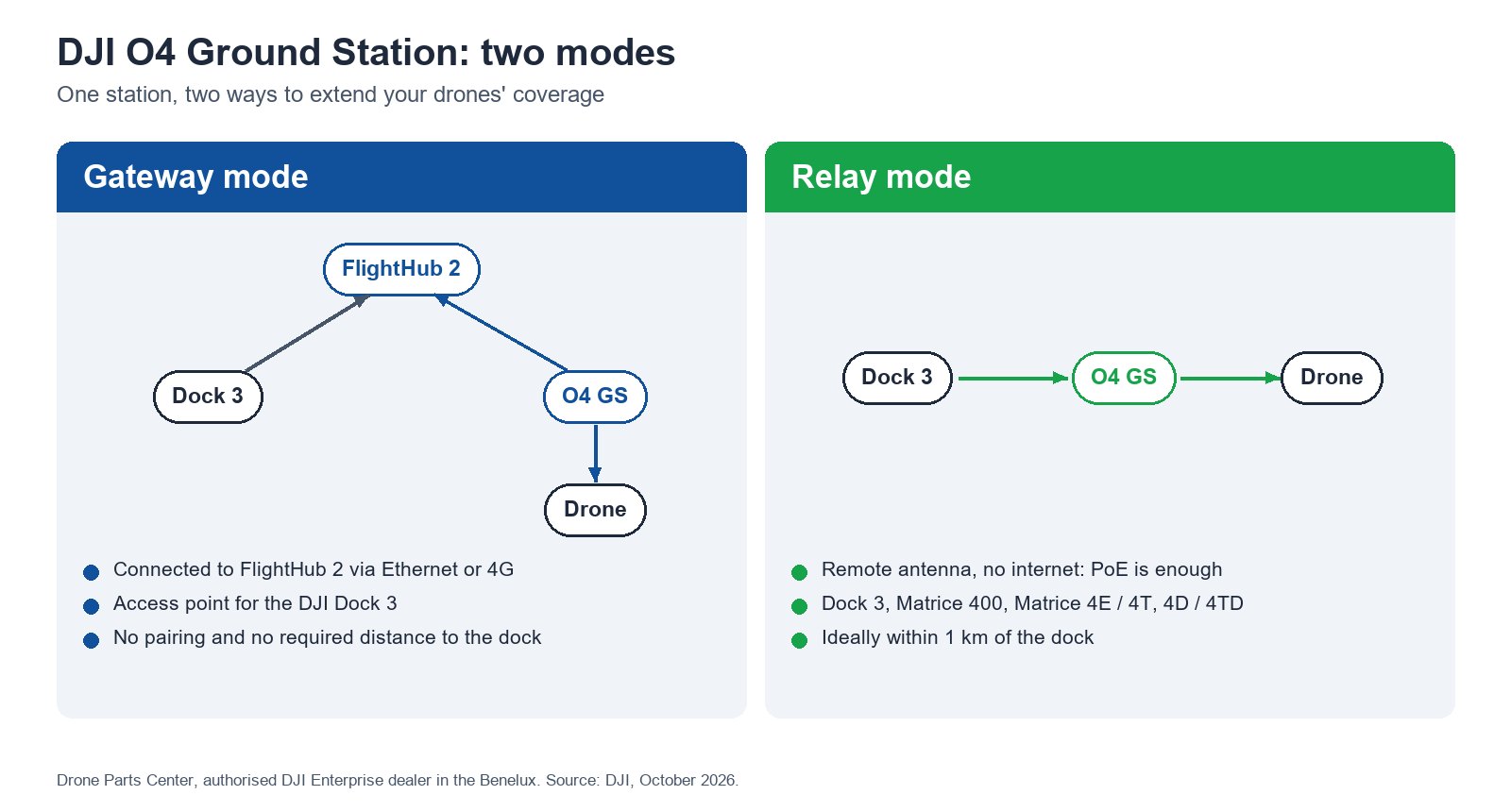
Gateway Mode: deploy your stations where your drones fly
Until now, each relay station was paired with a single dock and had to stay close to it. Gateway Mode removes that constraint: the station connects directly to the FlightHub 2 cloud (Ethernet, or 4G via the DJI Cellular Dongle 2), without being paired with a dock.
- No distance or line-of-sight constraint with the dock: position the station where coverage is useful, not where the dock happens to be.
- On-the-fly selection: before each mission, choose the station closest to the flight area. Combine several docks and several stations for meshed coverage.
- Dedicated, stable bandwidth for the drone, without deploying a private 4G network.
Relay Mode: extend the dock’s range, even without a network
In Relay Mode, the station acts as a remote antenna. Installed high up (mast, rooftop, ridge), ideally less than 1 km from the dock, it extends the transmission area, especially near structures that block the signal. No internet connection is required: a PoE power supply is enough. It is the solution for remote sites with poor network coverage. Relay Mode works with the DJI Dock 3, the Matrice 400, the Matrice 4E, the Matrice 4T and the Matrice 4D / 4TD with the DJI RC Plus 2 Enterprise.
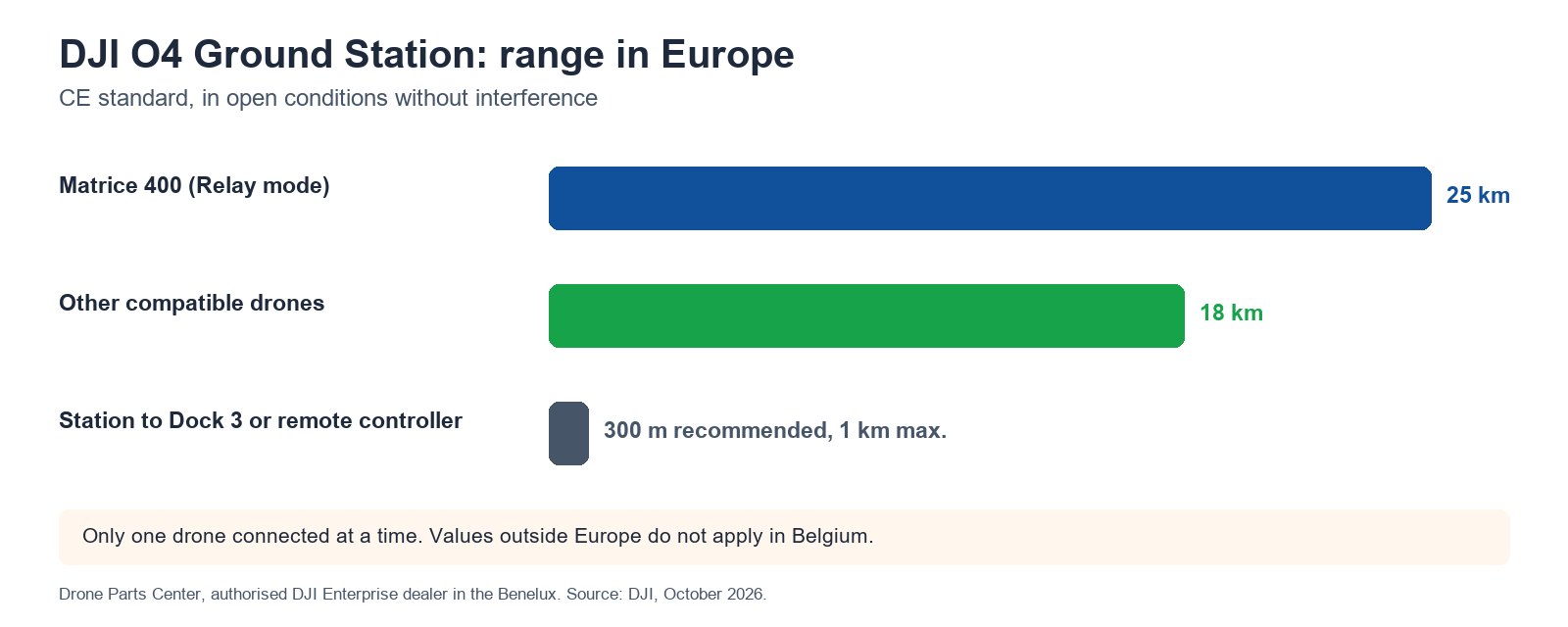
Up to 25 km range in Europe: fewer blind spots
The RF unit offers better signal penetration and range than the D-RTK 3 (receive gain of about +3 dB on average and up to +6 dB peak at 5.8 GHz, according to DJI). Its 12 antennas, 4 external OcuSync 4 Pro directional antennas and 8 internal ones, provide high-gain coverage whatever the drone’s orientation. Under the CE standard, range reaches 25 km with the Matrice 400 (sub2G band, Relay Mode) and 18 km with the other compatible drones; between the station and the remote controller or the Dock 3, DJI recommends 300 m (1 km at most). Multi-constellation GNSS (GPS, BeiDou, Galileo, GLONASS, QZSS) provides centimetre-level RTK positioning to the drone in both modes. For you: cover large or linear sites (reservoirs, pipelines, large campuses) with fewer stations.
Signal Map: deploy in the right place, based on real data
FlightHub 2 builds a hexagonal coverage map (signal strength shown as a colour gradient) from the data of your actual flights, updated after each mission. In the virtual cockpit, the pilot is warned so as to avoid areas with a weak signal. You place your stations where they are genuinely useful, based on measurements rather than guesswork.
Airspace safety: Remote ID and ADS-B receivers
Via ESDK 2.0, the O4 Ground Station can host a Remote ID and ADS-B receiver that detects nearby drones and crewed aircraft in real time, with configurable alerts and detection radius. An asset for situational awareness during beyond visual line of sight (BVLOS) flights and infrastructure monitoring missions.
Third-party cameras: drones and fixed cameras in a single platform
In Gateway Mode, connect up to 4 streams from ONVIF or GB/T 28181 (H.264) compatible IP cameras to FlightHub 2 through the station: live viewing, PTZ control and alerts. You bring your fixed video surveillance and your drones together in a single operational interface.
Matrice 400 delivery mode: drone logistics
According to DJI, the O4 Ground Station supports the Matrice 400 delivery mode: payload transport missions, multi-point routes and remote dispatch via FlightHub 2, for medical and sample transport, document delivery or hard-to-reach sites.
Reliable in all weather, in continuous operation and off-grid
- IP67 and IK07: waterproofing and impact resistance for permanent outdoor installation, with built-in surge protection.
- -40 to 55 °C (-40 °C requires PoE IEEE 802.3bt Type 4 power and a windless environment) and up to 6,000 m altitude.
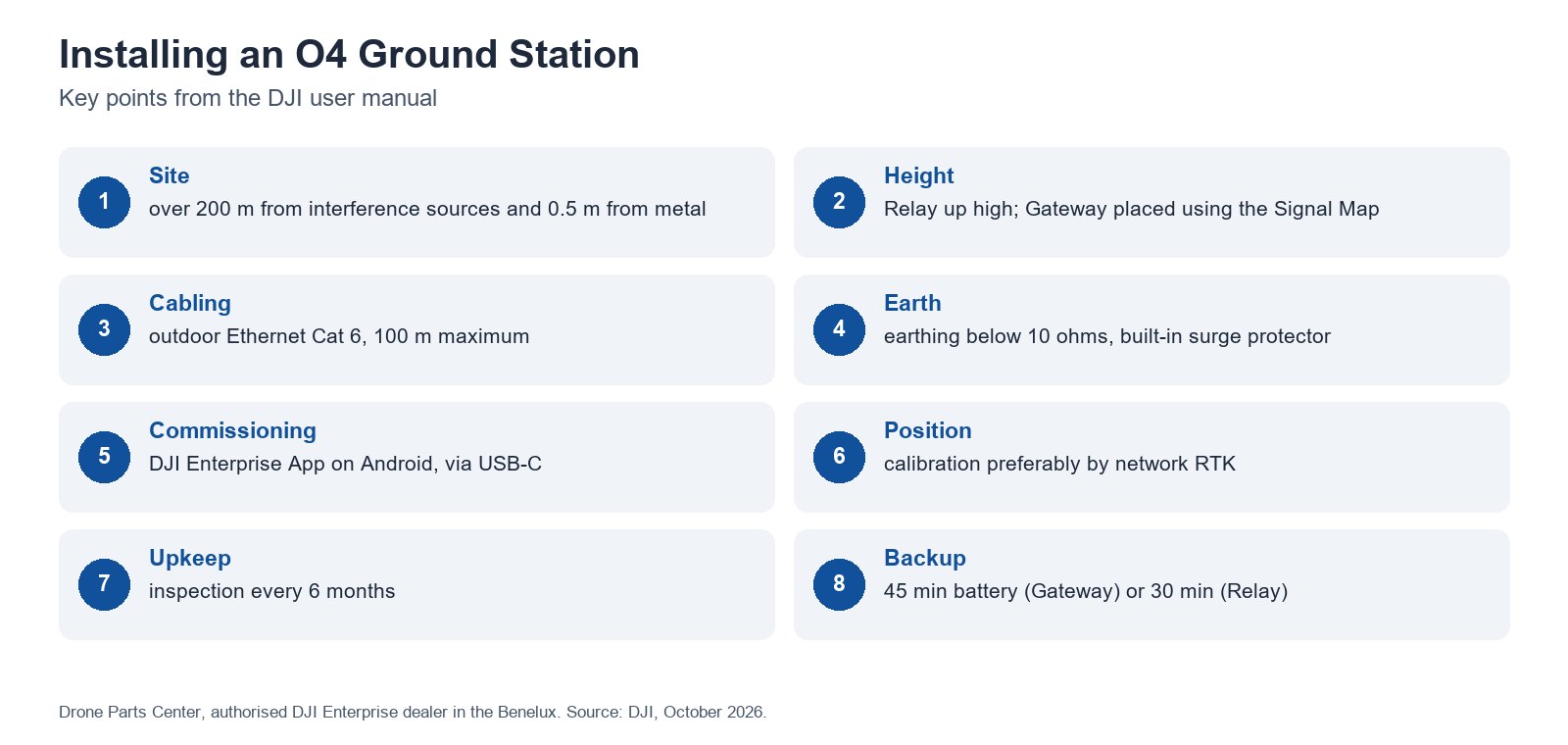
- Built-in backup battery: about 45 minutes in Gateway Mode and 30 minutes in Relay Mode during a power cut, followed by automatic restart.
- Low-power mode (7 W) for long-term autonomous deployments.
- Fanless design with no moving parts.
Deployment example: full coverage of a reservoir
In a case documented by DJI, 1 dock and 3 O4 Ground Stations are enough to cover a reservoir of about 250 km² with 58 km of shoreline, previously riddled with blind spots. Result reported by DJI: a complete inspection round in 20 minutes, inspection efficiency improved by more than 80 % and labour costs reduced by 70 %.
O4 Ground Station or D-RTK 3?
Compared with the D-RTK 3 Multifunctional Station, the O4 Ground Station offers greater signal range and penetration, goes from 4 to 12 antennas and adds the sub2G band, Gateway Mode, third-party cameras, Remote ID and ADS-B receivers and low-power mode. However, it does not replace the D-RTK 3 as a base station or in mobile mode (Base and Rover), and the two cannot be used as relays on the same Dock 3.
Installation and commissioning
- Activate the station with the DJI Enterprise App on an Android smartphone, over USB-C. The battery’s first charge is done via USB-C PD or PoE.
- Choose the site: more than 200 m from sources of electromagnetic interference and more than 0.5 m from any metal structure, with a cable of 100 m at most. In Gateway Mode, place the station at the edge of the dock’s coverage based on the Signal Map; in Relay Mode, high up, ideally less than 1 km from the dock.
- Mount the station on a wall or a pole, then connect an outdoor Cat 6 Ethernet cable and an earth connection of less than 10 ohms.
- Calibrate the station’s position, preferably with network RTK, then update the firmware via FlightHub 2 or DJI Assistant 2.
- Inspect the installation every 6 months: obstructions, mountings, cables.
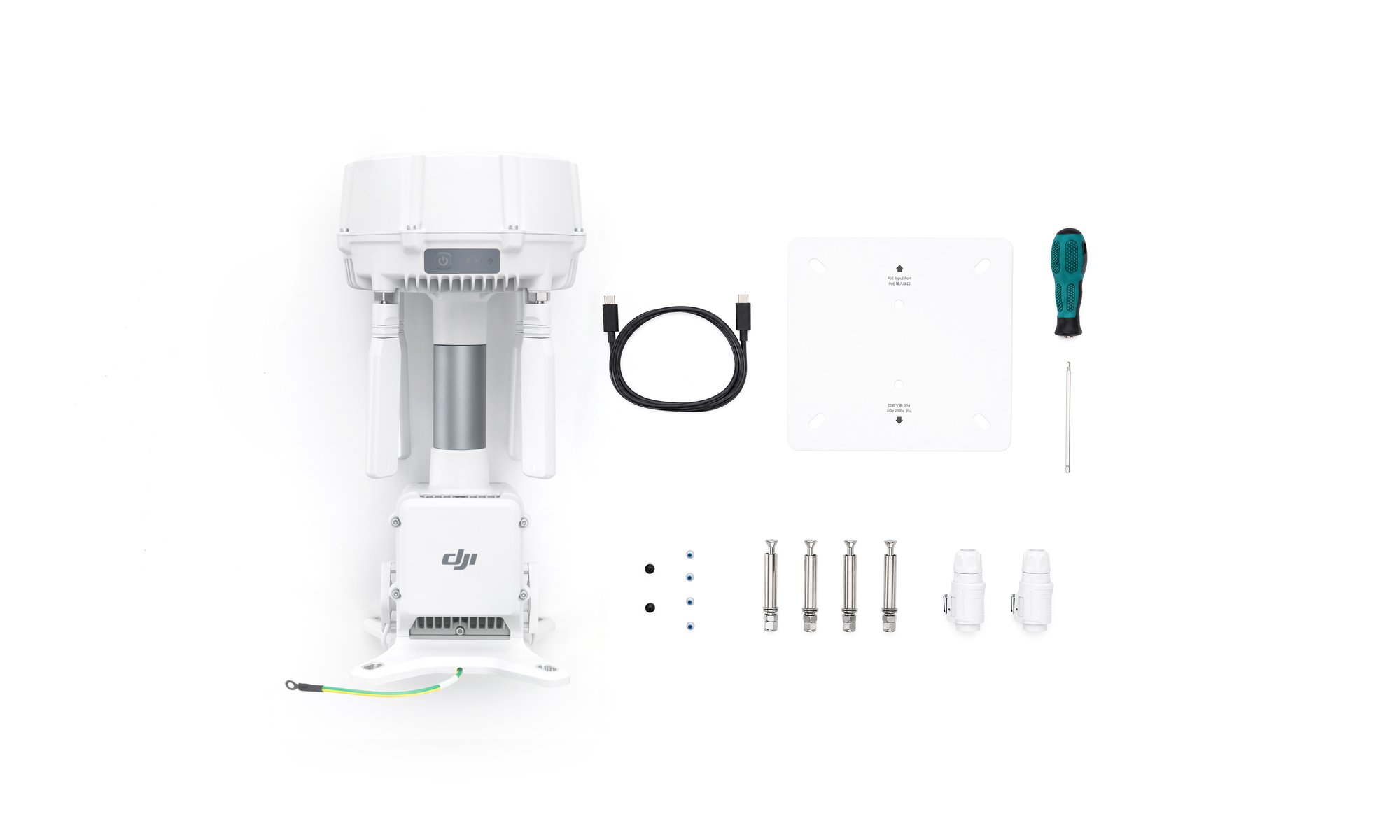
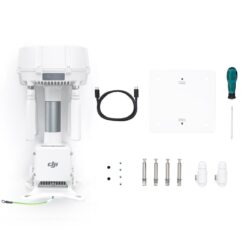
What’s in the box
- 1 x DJI O4 Ground Station
- 1 x USB-C to USB-C cable
- 2 x Ethernet connectors
- 4 x expansion bolts (wall plugs)
- 1 x drilling template (installation card)
- 1 x screw and tool kit
Technical specifications
| Modes | Gateway (DJI Dock 3, via FlightHub 2) and Relay (Dock 3, Matrice 400, Matrice 4E / 4T, Matrice 4D / 4TD with RC Plus 2 Enterprise) |
| Range (CE standard) | 25 km with Matrice 400 (Relay); 18 km with other drones; station to remote controller or Dock 3: 300 m recommended, 1 km at most |
| Antennas | 12: 4 external OcuSync 4 Pro directional antennas and 8 internal |
| Bands | sub2G, 2.4 GHz, 5.2 GHz, 5.8 GHz |
| GNSS | GPS, BeiDou, Galileo, GLONASS, QZSS; network RTK 1 cm + 1 ppm (horizontal) |
| Network | Ethernet or 4G via DJI Cellular Dongle 2 (sold separately) |
| Power supply | PoE IEEE 802.3bt Type 4 or Type 3, 802.3at Type 2 (Gateway); 65 W at most; low-power mode 7 W |
| Backup battery | LiPo 3,250 mAh: about 45 min (Gateway), 30 min (Relay) |
| Protection | IP67, IK07, 10 kA surge protection |
| Operating temperature | -40 to 55 °C (PoE Type 4); altitude up to 6,000 m |
| Dimensions and weight | 170 x 170 x 352 mm; 2.68 kg |
| Software | DJI FlightHub 2, FlightHub Sync, Cloud API, DJI Enterprise App, DJI Pilot 2, DJI Assistant 2 |
| External equipment | ONVIF / GB/T 28181 IP cameras (4 streams, Gateway); Remote ID and ADS-B receivers (ESDK 2.0) |
The DJI O4 Ground Station is eligible for the DJI Care Enterprise Plus programme (coverage available in the EU). Drone Parts Center, authorised DJI Enterprise dealer, helps you size the station and integrate it into your fleet: request a coverage study tailored to your sites.
Frequently asked questions
What is the difference between Gateway Mode and Relay Mode?
In Gateway Mode, the station connects directly to FlightHub 2 (Ethernet or 4G) and acts as an access point for the DJI Dock 3, with no pairing or distance constraint with the dock. In Relay Mode, it extends the link of a dock or a remote controller without needing internet access, ideally less than 1 km from the dock.
Which drones and docks does the O4 Ground Station work with?
In Gateway Mode, with the DJI Dock 3. In Relay Mode, with the DJI Dock 3, the Matrice 400, the Matrice 4E, the Matrice 4T and the Matrice 4D / 4TD with the DJI RC Plus 2 Enterprise. Only one drone is connected at a time.
What range can I expect in Europe?
Under the CE standard: 25 km with the Matrice 400 in Relay Mode and 18 km with the other compatible drones, in open conditions without interference.
Is an internet connection required?
Not in Relay Mode. In Gateway Mode, the station connects to FlightHub 2 via Ethernet or over 4G with the DJI Cellular Dongle 2.
How is the O4 Ground Station powered?
By PoE (IEEE 802.3bt Type 4 or Type 3, or 802.3at Type 2 in Gateway Mode), via the Dock 3 or a third-party PoE power supply. Its backup battery lasts about 45 minutes in Gateway Mode and 30 minutes in Relay Mode.
Does the O4 Ground Station replace the D-RTK 3?
For relaying, yes, with more range and more features. It does not support the Base and Rover modes of the D-RTK 3, which remains necessary for those uses.
Can fixed cameras be connected to it?
Yes, in Gateway Mode: up to 4 streams from ONVIF or GB/T 28181 IP cameras in H.264, viewable in FlightHub 2.
Only logged in customers who have purchased this product may leave a review.
Related products

In stock
Photogrammetry
In stock
In stock
Photogrammetry
In stock


Building and infrastructure inspection
DJI Matrice 400 (C6) Worry-Free Plus Combo – AP100 Parachute
Available to order: contact us for lead time.


Reviews
There are no reviews yet.