

News, Tutorials & Updates
How to activate your JZ product in a few simple steps
Jan
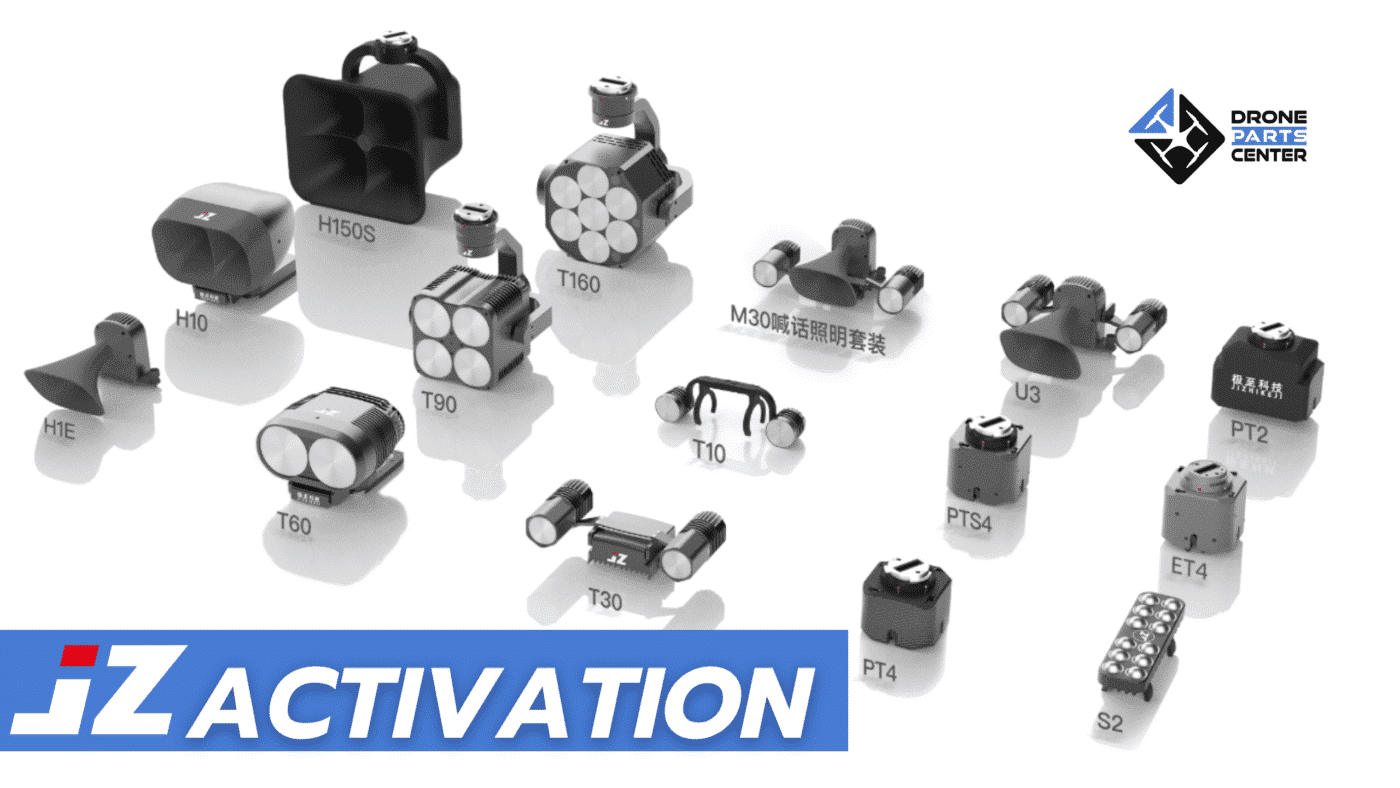
Welcome to the innovative world of JZ! If you’ve just acquired a JZ product, you’re probably eager to use it. But first and foremost, there’s a crucial step: activating your device. In this article, we’ll walk you through the quick and easy activation process so you can get the most out of your new product.
First Use and Activation
When you use the JZ product for the first time, it is necessary to activate it. This step is a must to unlock all the features of your device.
Activation steps
Here are the steps to activate your device:
Connecting and Powering Up : Make sure the device is connected and turned on.

Accessing the Camera View : Enter the camera view to begin the process

Opening the PSDK Floating Window : Once in the window, a message indicating that the device is not activated will be displayed, along with the SN code of the equipment.
Go to the JZ website : Visit the jzdrones.com site to continue the process.

Entering the Equipment SN Code : Enter the SN code to obtain the activation code.

Device Activation : Enter the activation code obtained to activate the device.

Why Activating Your JZ Product is Crucial?
Activating your JZ product is an essential step to ensure its full functionality and security. It also allows us to offer you adapted technical support and the necessary updates for an optimal experience.
Conclusion
Once these steps are completed, your JZ device will be activated and all of its features will be available. Make the most of your JZ experience by exploring all the innovative capabilities of your new device. For more information or assistance, visit our support page.