
 Français
 Nederlands
 Deutsch
News, Tutorials & Updates
DJI NEO and DJI RC2: Upgrading and Pairing Made Easy
Dec
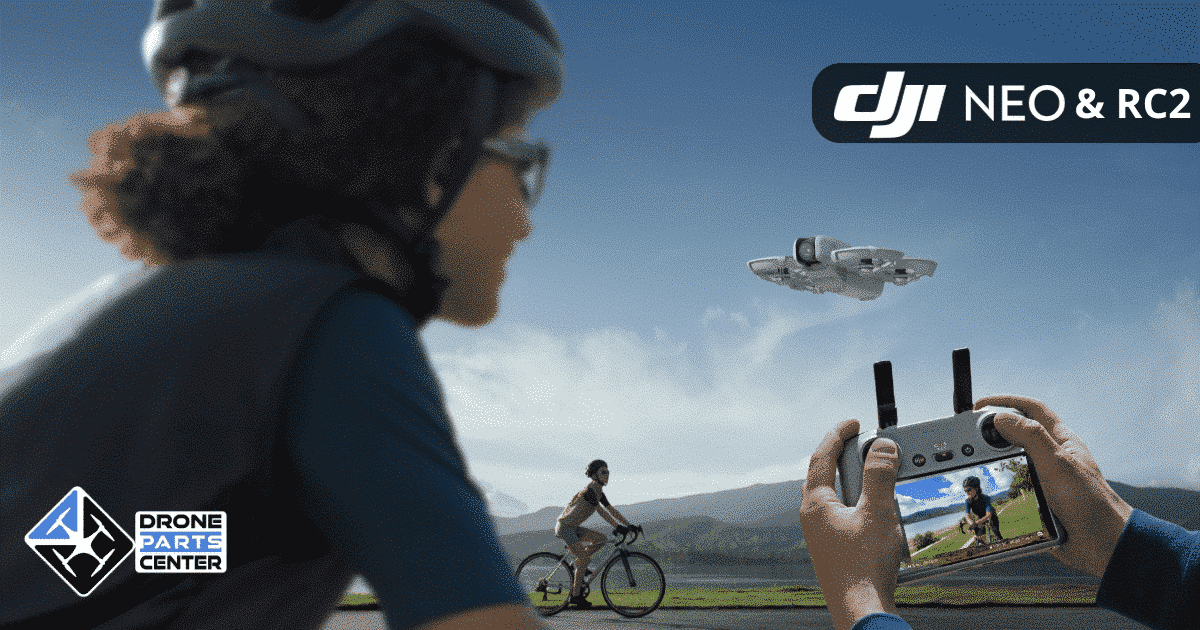
Are your DJI NEO drone and DJI RC2 remote controller not paired yet? Don’t worry! Often, these devices require initial setup, including updating their respective firmware. Here’s how to prepare them to work together.
Step 1: Updating your DJI NEO
Before pairing your devices, first check that your DJI NEO’s firmware is up to date. Here is the detailed procedure:
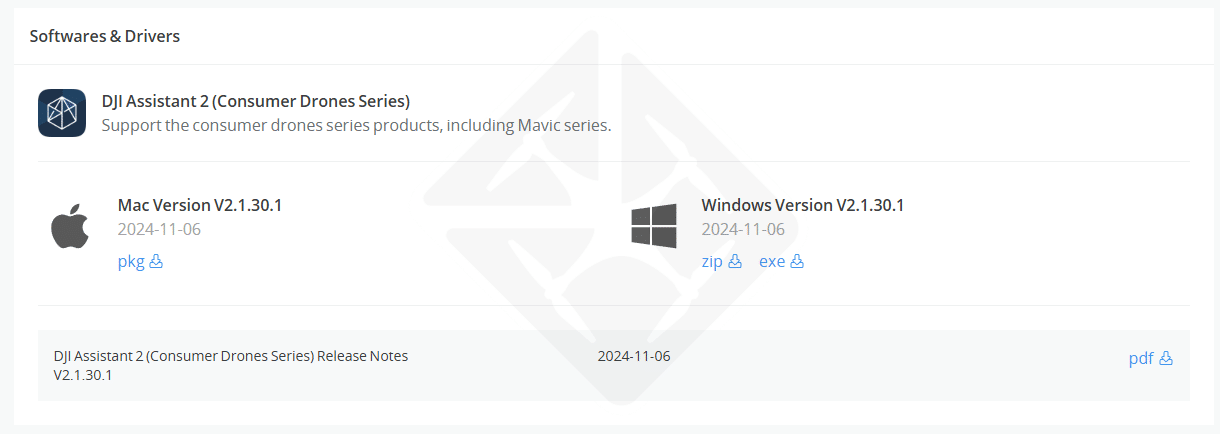
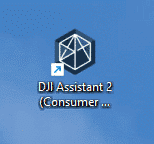
1. Download and install DJI Assistant 2
- Visit theofficial DJI page.
- Download the “DJI Assistant 2 (Consumer Drones Series)” application for Windows or macOS.
- Install the software, then restart your computer.
2. Connect your DJI NEO
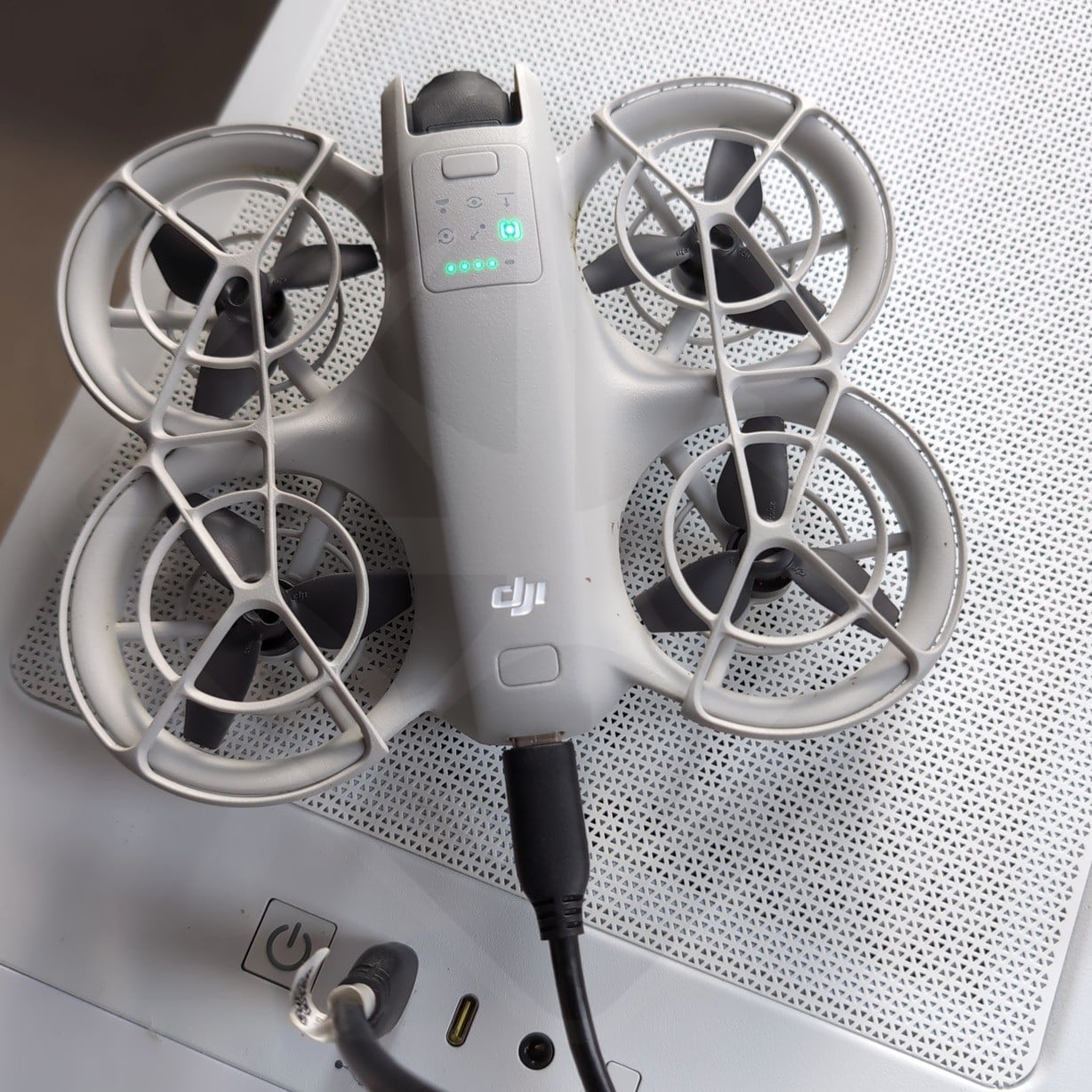
- Switch on the drone.
- Use a USB-C to USB-A cable to connect it to your computer.
3. Launch the update
- Open DJI Assistant 2.
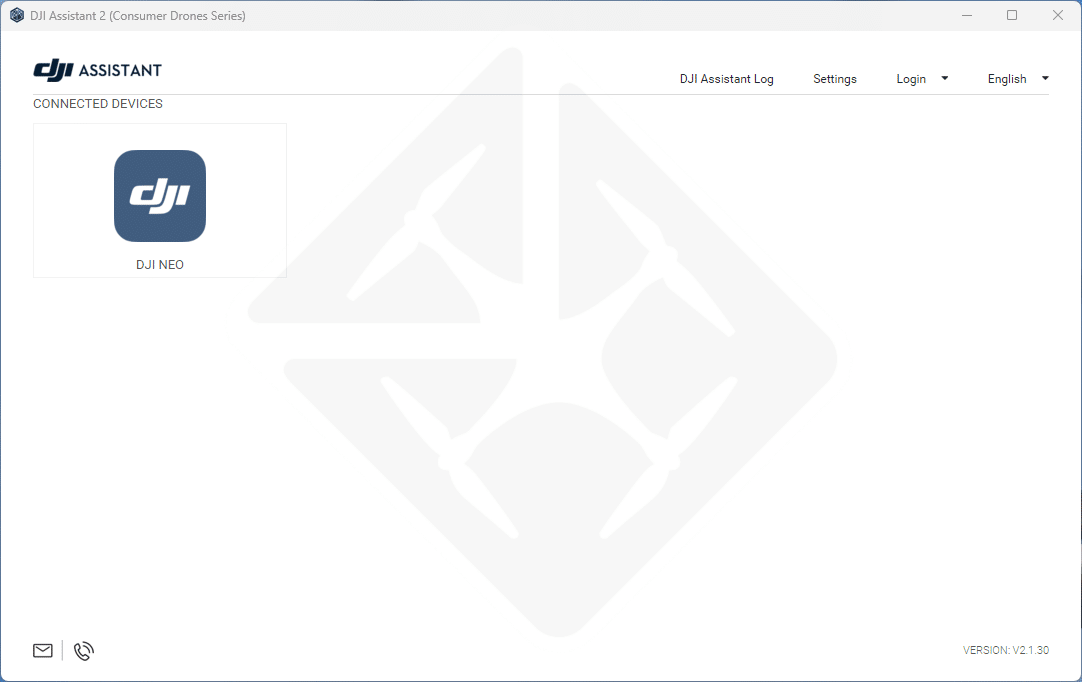
- Select your DJI NEO from the list of connected devices.
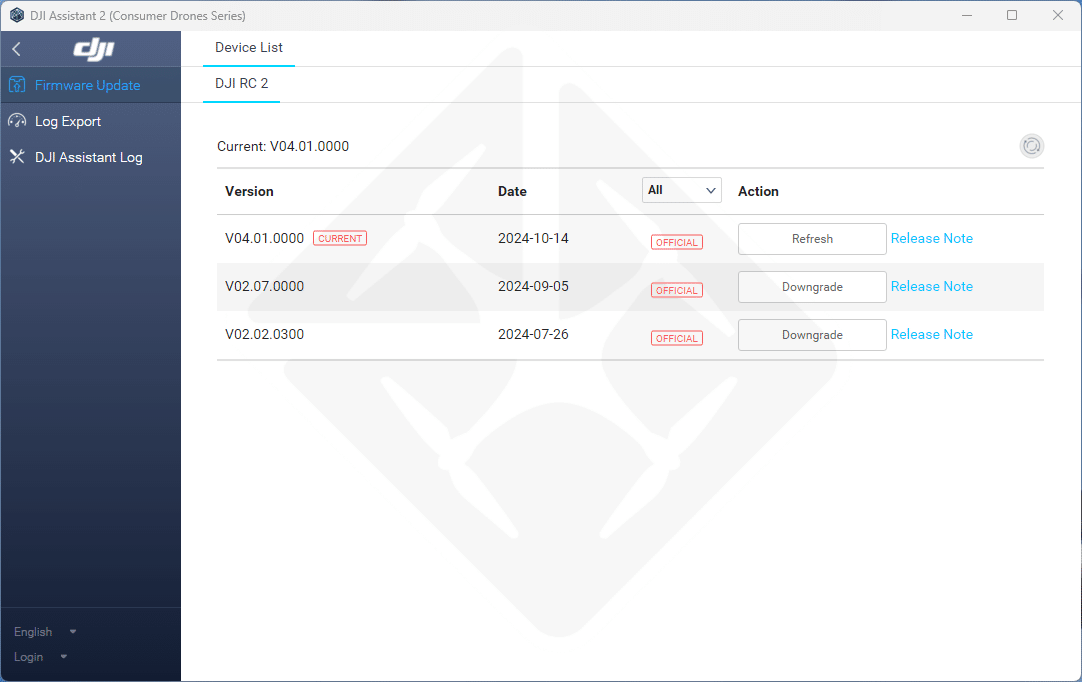
- Choose the latest firmware version and click on “Action” to launch the update.
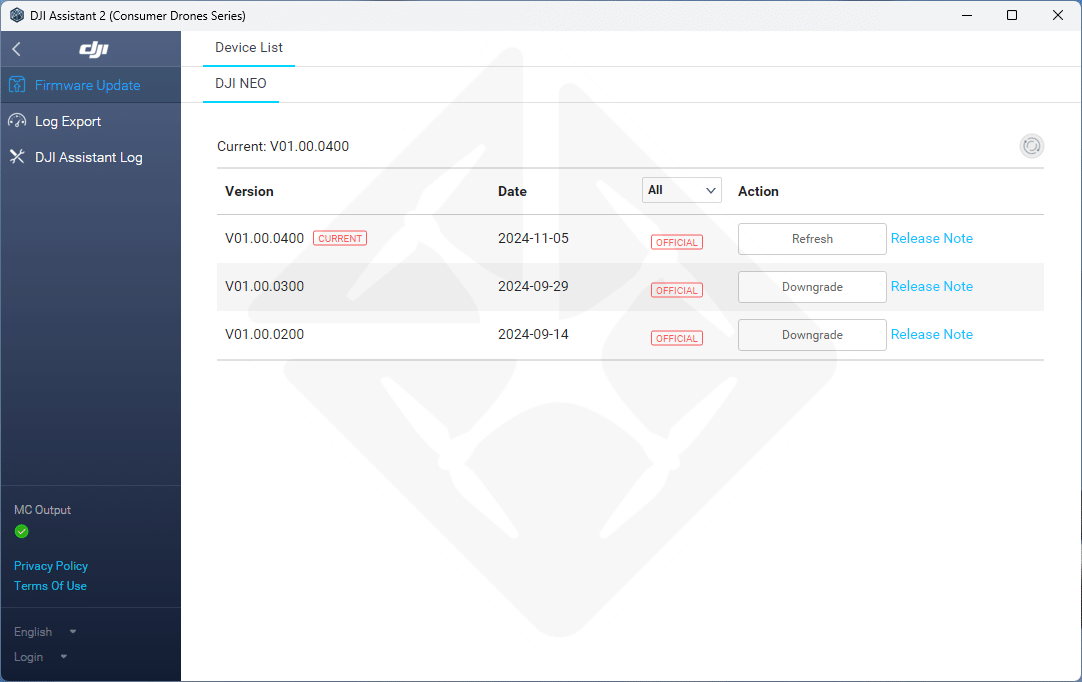
Tip: If the software displays “CURRENT”, your firmware is already up to date.
Step 2: Updating the DJI RC2 remote control
Updating your DJI RC2 remote control follows a similar process:
1. Prepare your remote control
- Switch on the DJI RC2 remote control.
- Connect it to your computer using a USB cable.
2. Launch DJI Assistant 2
- Open the software and select your remote control from the menu.
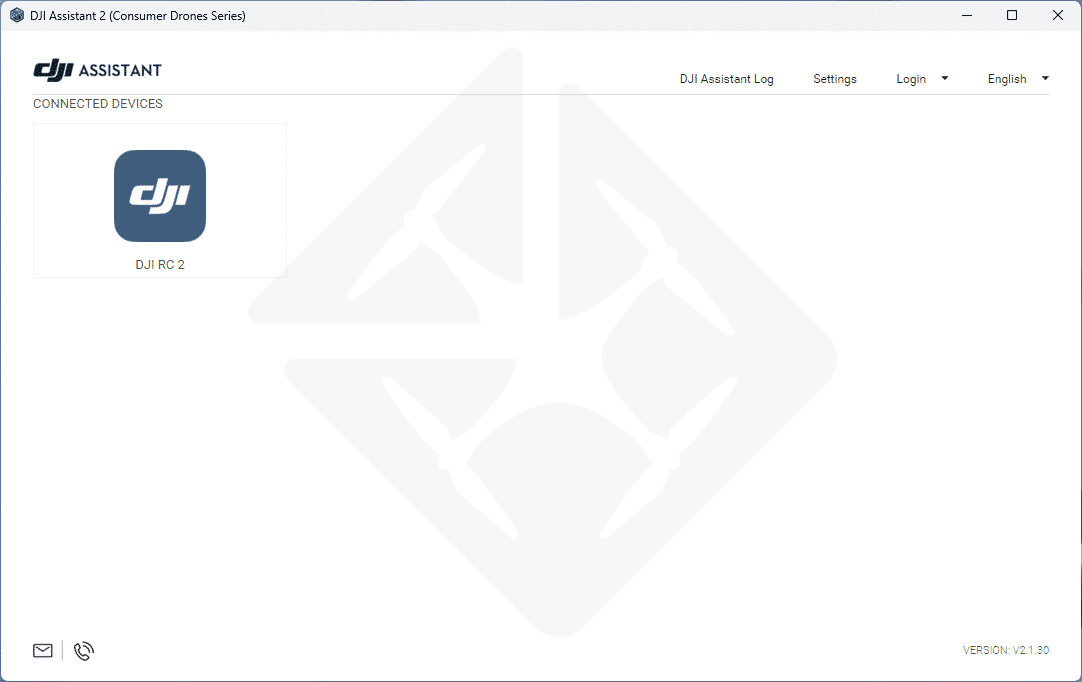
- Download and install the latest firmware.
3. Alternative: Update via Wi-Fi
- Connect the remote control to a Wi-Fi network with an Internet connection.
- From the radio control’s main screen, accept the proposed update.
Step 3: Pairing DJI NEO and DJI RC2
Once your devices have been updated, here’s how to connect them:
- Switch on the drone and remote control.
- Access the radio control menu.
- Follow the steps on the screen to synchronize the two devices.
After a few seconds, your DJI NEO will be ready to fly, controlled by your DJI RC2.
Conclusion
With these simple steps, you can quickly update and pair your DJI NEO and DJI RC2. A correct configuration ensures an optimal and trouble-free flight experience.
If you encounter any difficulties, please consult DJI ‘s official documentation or contact their support team.