
 Français
 Nederlands
 Deutsch
-
×
 DJI Matrice 300 - Landing Gear
 2 in stock
1 × € 139,00
News, Tutorials & Updates
LP12 DJI M30 update: Essential instructions and tips
20
Jan
Jan
Dear professional customers,
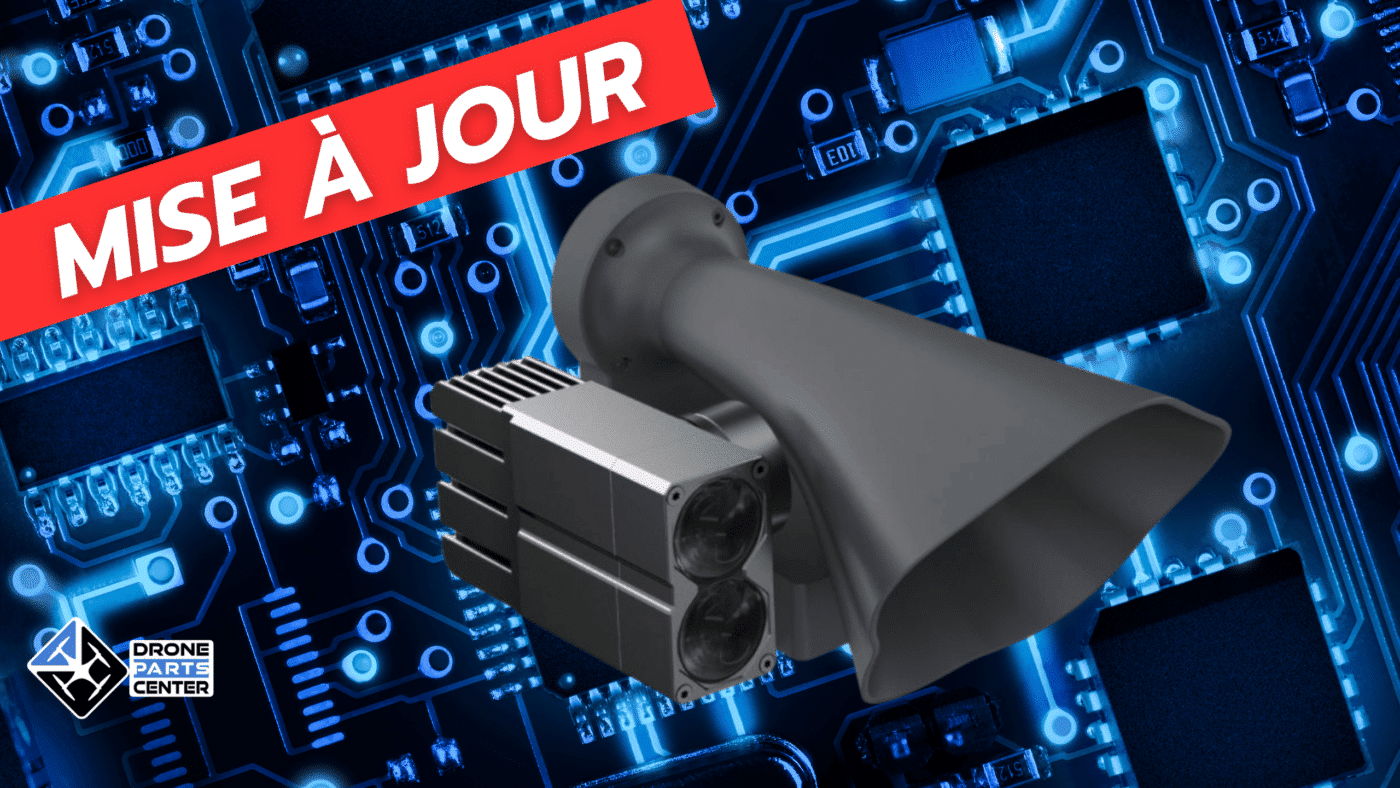
As part of our commitment to providing high-quality equipment for drone users, we would like to inform you of an LP12 DJI M30 update.
Prerequisites before installation: It is crucial to update your M30 drone to the latest firmware version before installing the LP12 Kit. To do this, make sure that the LP12 Kit is not connected during the drone update.
Current LP12 Firmware Version: Make sure that the firmware of your LP12 Kit is also up to date, specifically to version V03.03.00.02. Using an earlier version can cause write protection errors on disk. In case of such difficulties, do not hesitate to contact us to arrange a return for repair.
LP12 firmware update instructions :
Firmware download: You can download the latest version of LP12 firmware (V03.03.00.02) from the CZI website.
Update Steps: Connect the LP12 Kit to a computer using a micro USB cable. Once connected, a U disk storage drive will appear. Remove the old firmware version and copy the new one to the root directory of the U disk. Then connect the LP12 to your M30 drone and turn it on to begin the automatic update, which takes about three minutes.
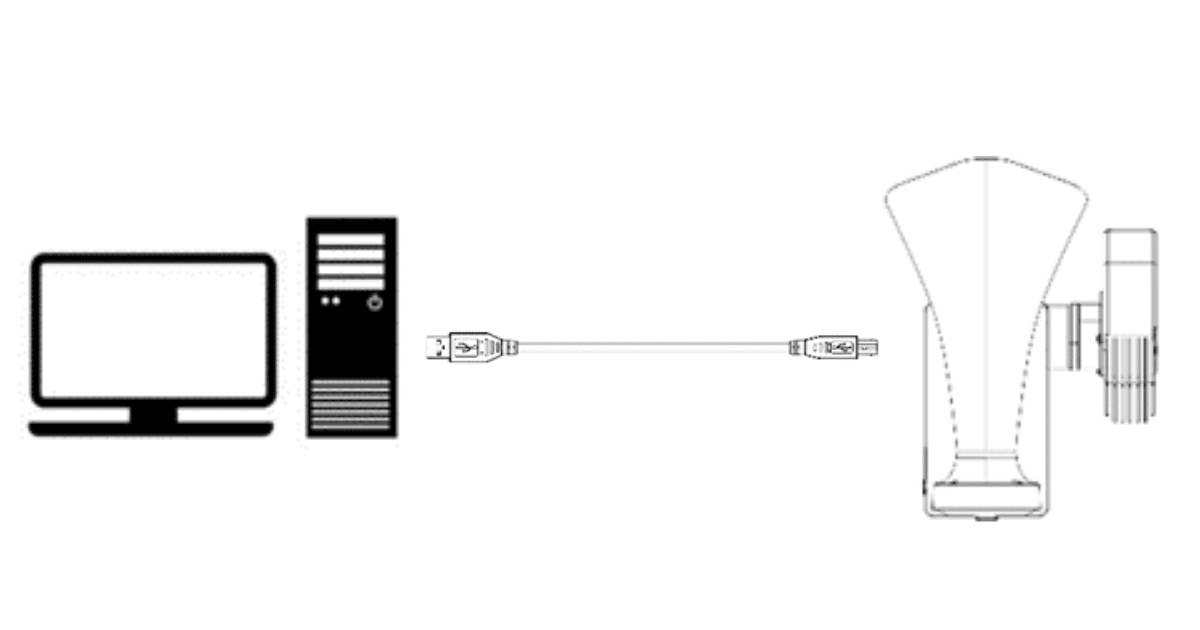
Important instructions during the update: Make sure that the drone’s battery has more than 50% charge. The LP12 will perform two reboots during the update. It is important not to disconnect the LP12’s power cable or turn off the drone during this process.

Should you have any questions or require further assistance with this update, please do not hesitate to contact us.