
 Français
 Nederlands
 Deutsch
News, Regulation & Certification
How to get C2 Europe certification for your DJI Mavic 3 Enterprise, Thermal, and Multispectral drone?

Aug
The C2 label is now available for the DJI Mavic 3 Enterprise, Thermal, and Multispectral. In this article, we explain how to receive it free of charge by post and as soon as possible.
While the Mavic 3 Classic is C1 certified from the factory, it was still necessary to wait for its cousins the Mavic 3 Enterprise, thermal and Multispectral to receive the precious label. It’s now done!
The C2 certification awarded by the EASA (European Aviation Safety Agency) now allows the Mavic 3 Enterprise, thermal or multispectral, to fly in category A2,
How to get the C2 label for your Mavic 3 Enterprise, thermal or Multispectral?
1. Update
First, download the latest version v07.01.10.03. If you have an older version, update. Also, make sure that DJI Pilot 2 is up to date to at least version v7.1.0.24. The version of the remote control is v02.01.00.03.
2. Request for identification c2
As soon as the firmware is up to date, a popup will prompt you to proceed with the request.
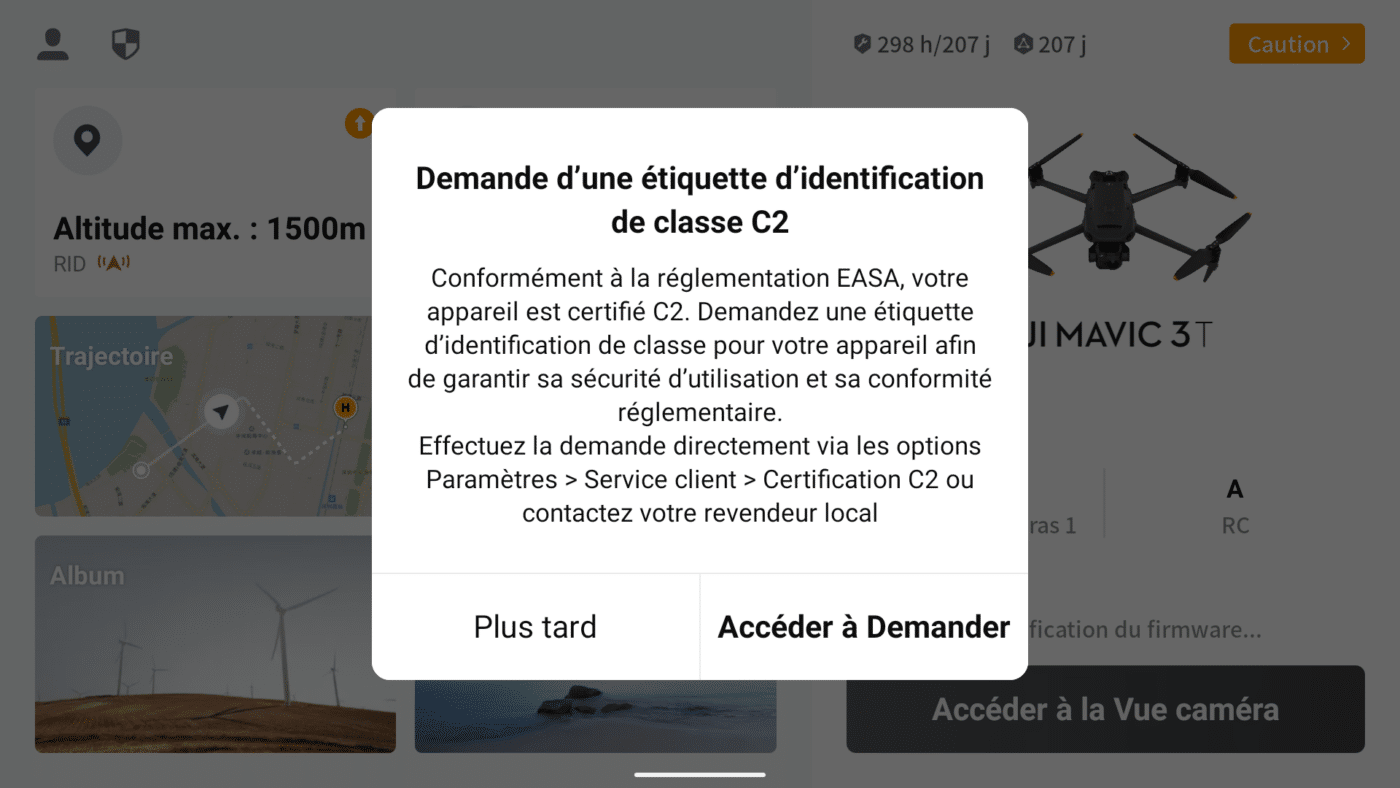
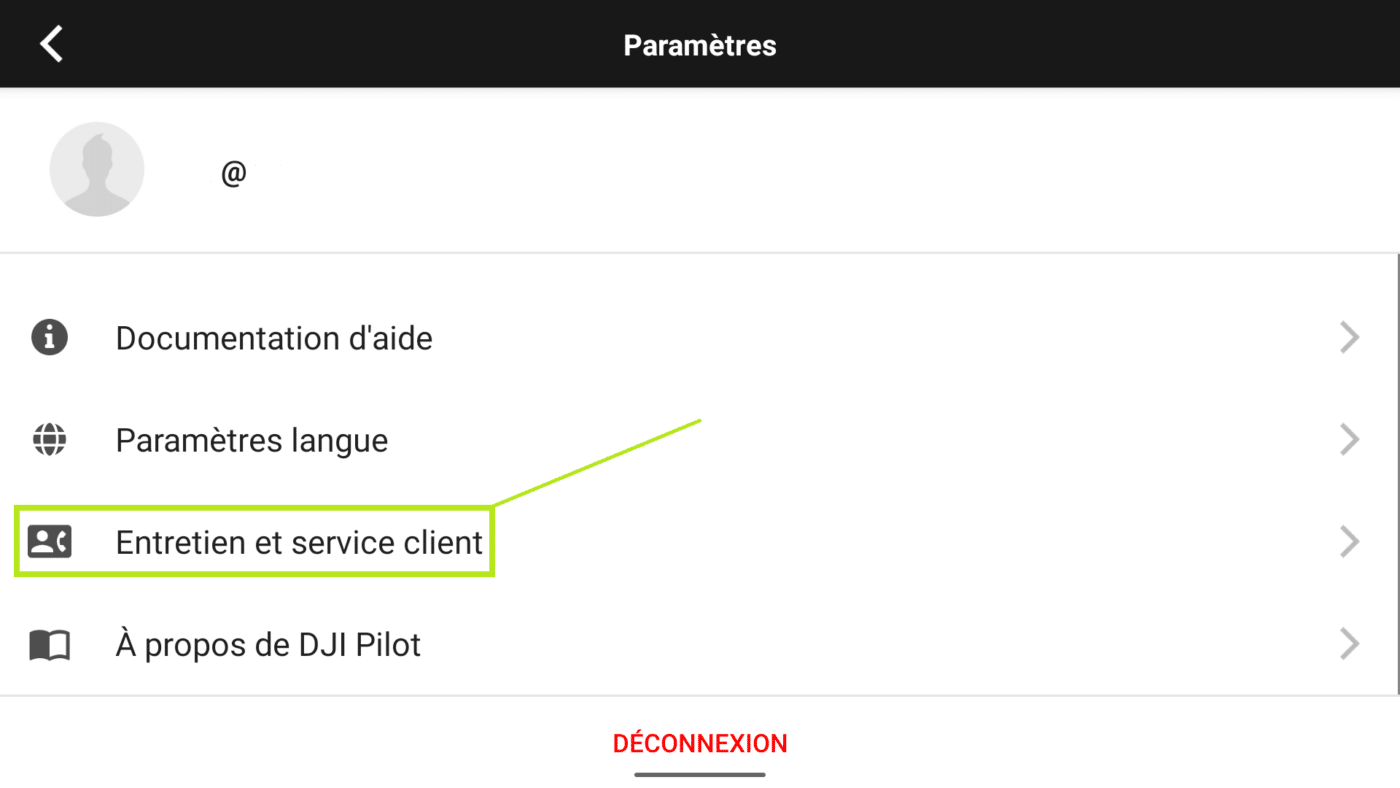
Click on Access to request then your profile at the top left, scroll down the menu and then on maintenance and customer service,
Select C2 ID Label, on the left
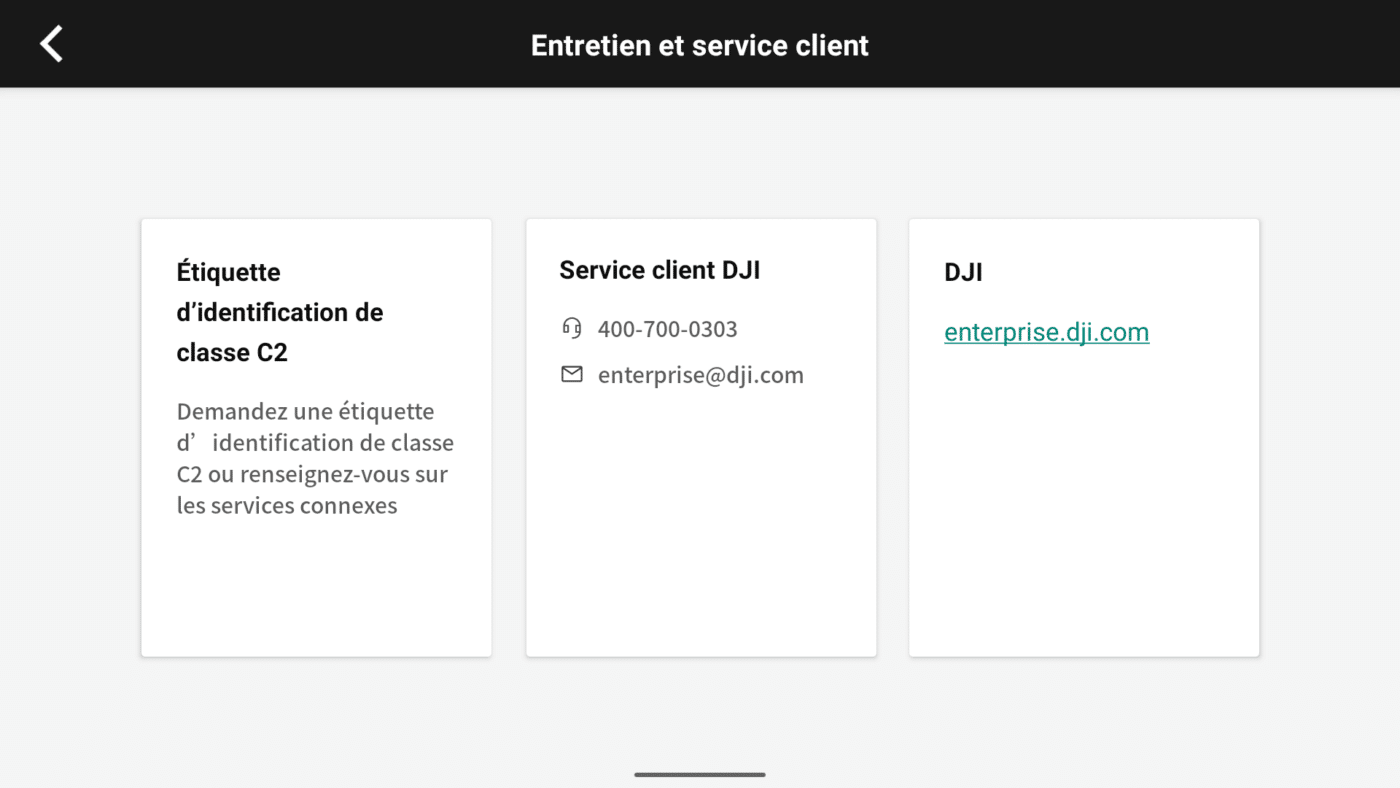
If you choose “Not Now”, you will be able to complete the process later by going to the customer support area of the app, under “C2 Class Identification Label”.
3. Shipping by mail
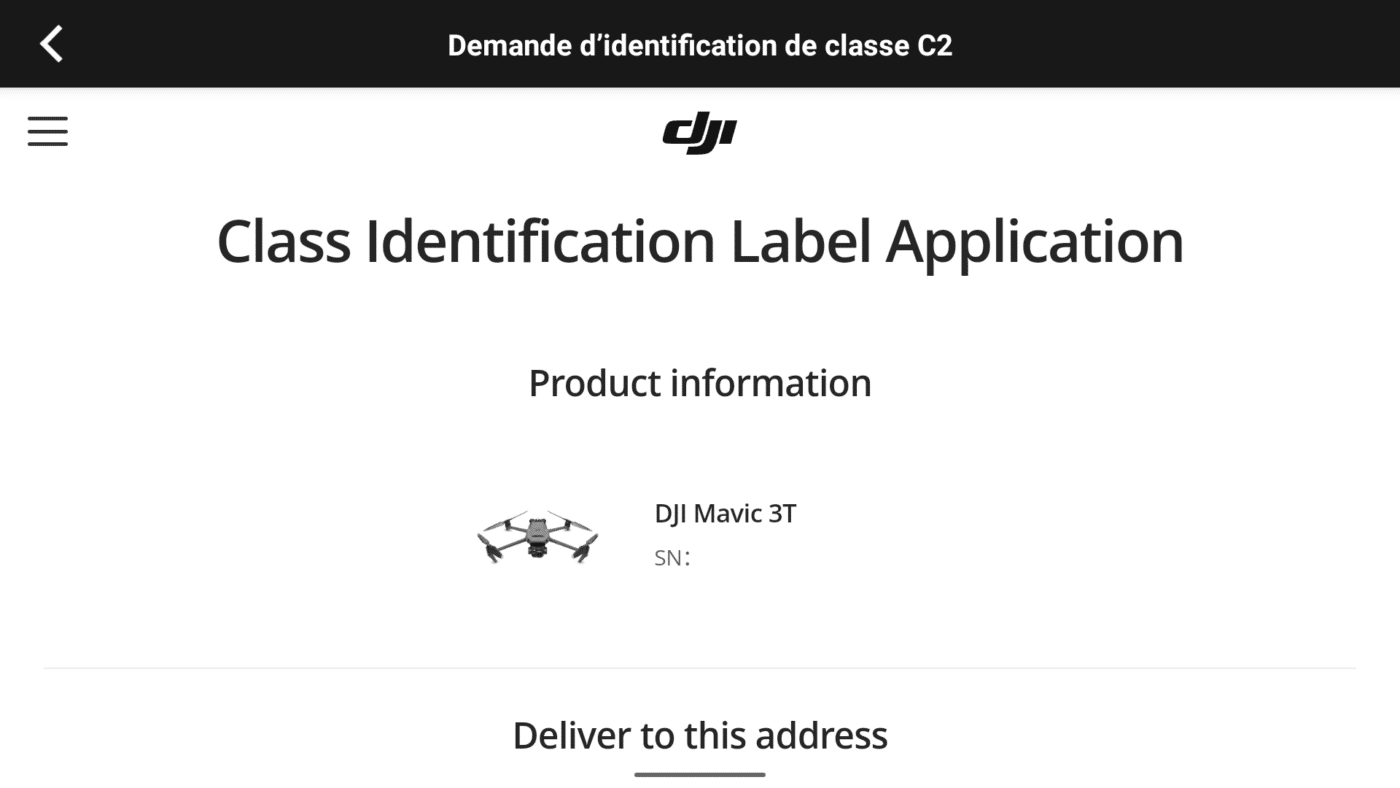
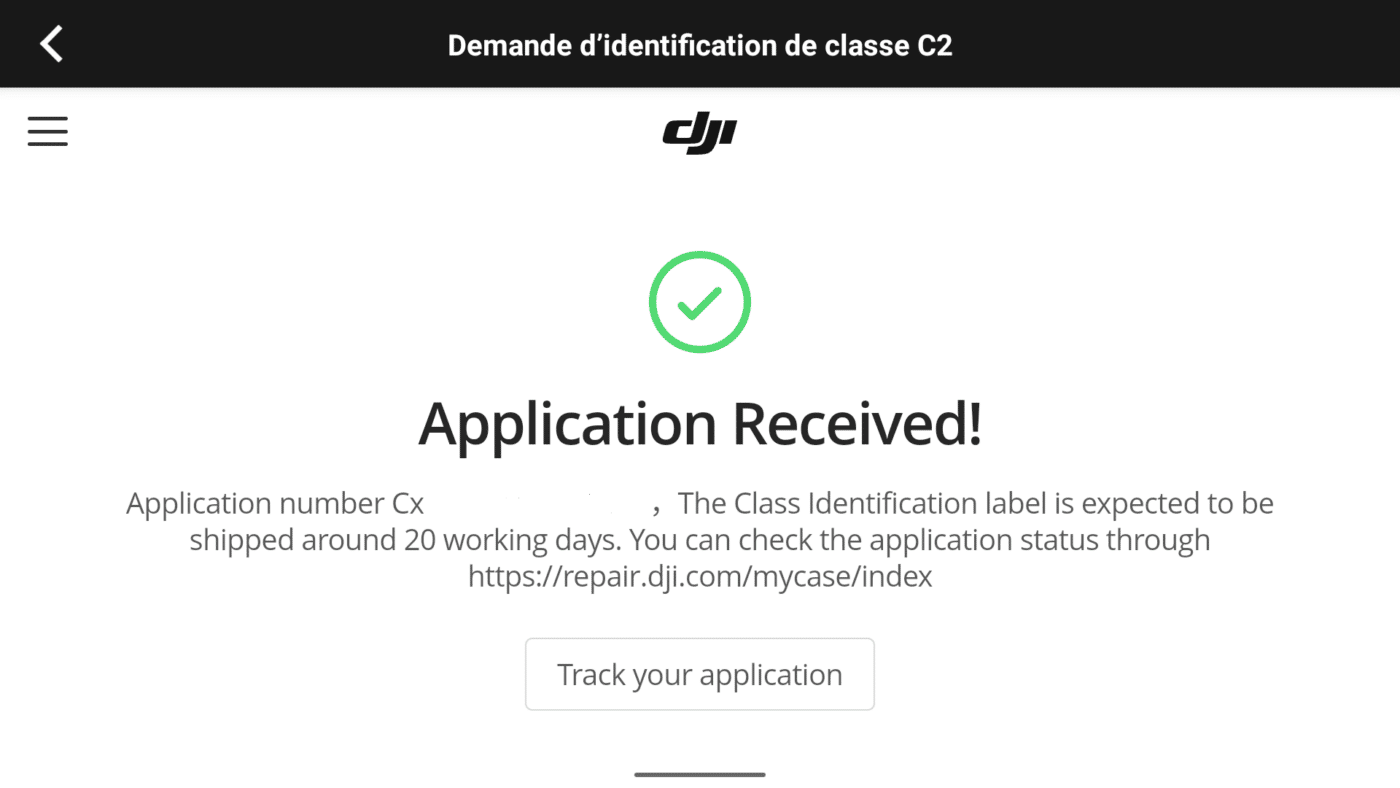
Fill out the short application form and specify the address where you would like to receive your C2 label. Be careful to put the region in the State field. It should arrive shortly. Note that no shipping time is indicated and that no tracking number is provided. Tell us on our Facebook page when you receive it:)
4. Finalize your C2 certification
After receiving the C2 tag in the mail, attach it to your drone by following the instructions provided.
Then open your DJI Pilot app and go to your “Profile”. Click on “Service and Support” and finally on “Class C2 ID Label”.
Take a photo of your drone with its tag and upload it to the requested field.
5. Upload your C2 certification document
Once this process is complete, your final document should appear in the DJI Pilot app within 3 business days.
All you have to do is download it and keep it with you when you fly.